 অসমলিপি Pro
 Comparison
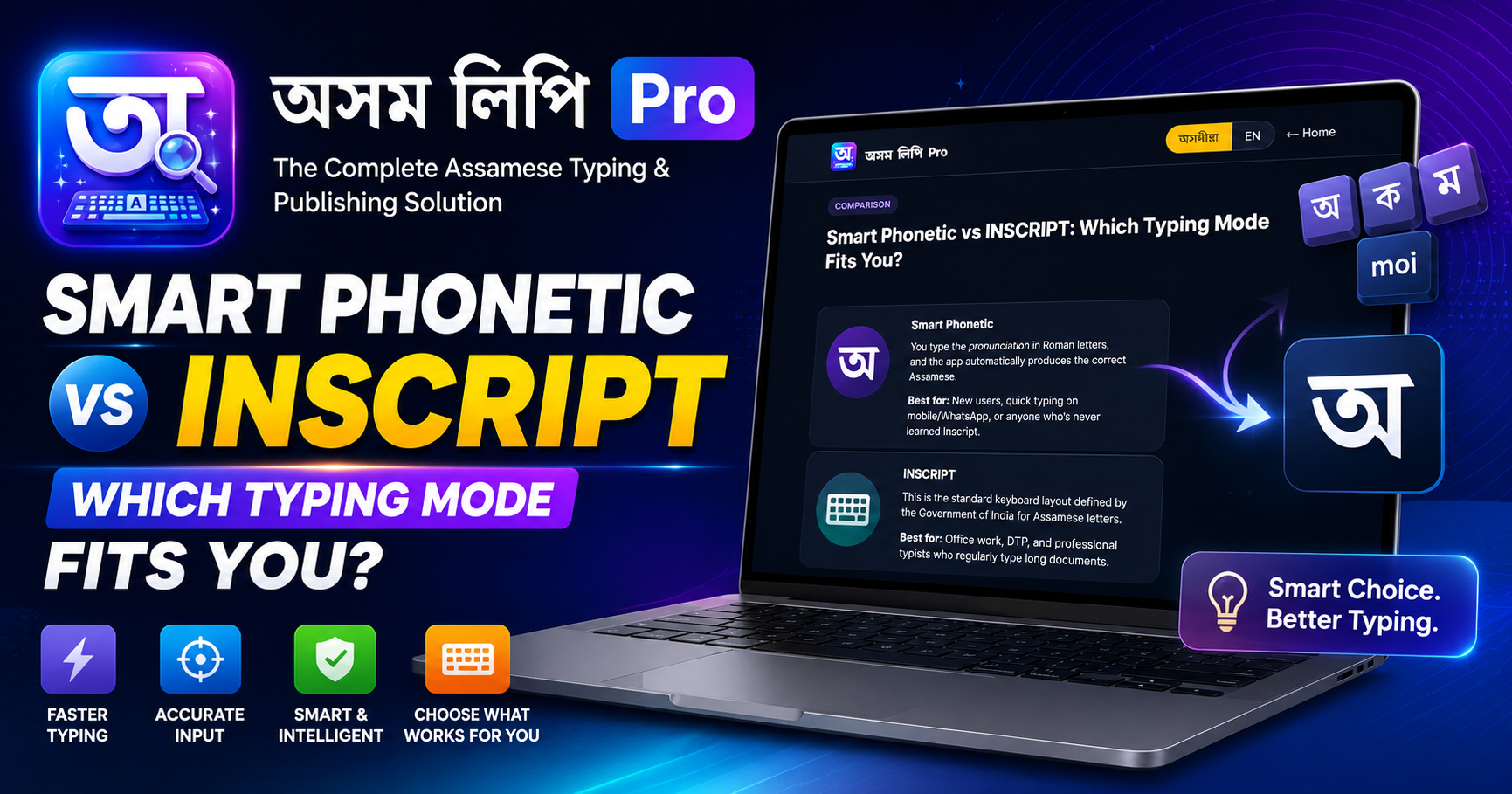
Smart Phonetic নে INSCRIPT — কোনটো আপোনাৰ বাবে সঠিক?Smart Phonetic vs INSCRIPT: Which Typing Mode Fits You?
AxomLipi Pro-ত টাইপ কৰাৰ কেইবাটাও mode আছে, কিন্তু প্ৰায়ে সুধা প্ৰশ্নটো হ'ল — Smart Phonetic নে INSCRIPT, কোনটোত আৰম্ভ কৰিব লাগে?
Smart Phonetic
আপুনি ইংৰাজী আখৰেৰে (Roman) শব্দটোৰ উচ্চাৰণ লিখে, app-এ automatic সঠিক অসমীয়া বনাই দিয়ে। যেনে, moi লিখিলে মই ওলায়। কোনো নতুন layout মনত ৰাখিব নালাগে — যিয়ে ইংৰাজী keyboard জানে, সিয়েই তৎক্ষণাত অসমীয়া লিখিব পাৰে।
ভাল কাৰ কাৰণে: নতুন ব্যৱহাৰকাৰী, social media/WhatsApp-ত সোনকালে লিখা, বা যিয়ে কেতিয়াও Inscript শিকা নাই।
INSCRIPT
এইটো ভাৰত চৰকাৰে নির্ধাৰণ কৰা standard keyboard layout — প্ৰতিটো key-ত এটা নির্দিষ্ট অসমীয়া আখৰ বাধা থাকে (যেনে ইংৰাজী QWERTY-ৰ দৰে, কিন্তু অসমীয়া আখৰৰ বাবে)। শিকিবলৈ সময় লাগে, কিন্তু এবাৰ মুখস্থ হ'লে হাত নিজেই চলে — ইয়াৰ speed cap নাই।
ভাল কাৰ কাৰণে: যিসকলে আগৰেই সৰকাৰী office-ত বা DTP-ত Inscript চলাইছে, বা দীৰ্ঘ document নিয়মীয়াকৈ লিখা পেছাদাৰী typist।
Ctrl+Shift+A বা tray menu ৰে INSCRIPT-লৈ সলনি কৰিব পাৰিব, একেটা app-তে।AxomLipi Pro has several typing modes, but the question people ask most often is — Smart Phonetic or INSCRIPT, which one should I start with?
Smart Phonetic
You type the pronunciation of a word in Roman letters, and the app automatically produces the correct Assamese. For example, typing moi gives you মই. There's no new layout to memorize — anyone who knows an English keyboard can start typing Assamese instantly.
Best for: new users, quick typing on social media/WhatsApp, or anyone who's never learned Inscript.
INSCRIPT
This is the standard keyboard layout defined by the Government of India — each key is fixed to a specific Assamese letter (like English QWERTY, but for Assamese letters). It takes time to learn, but once memorized your hands work on their own — there's no speed cap.
Best for: those already using Inscript in government offices or DTP, or professional typists who regularly type long documents.
Ctrl+Shift+A or the tray menu, in the same app.